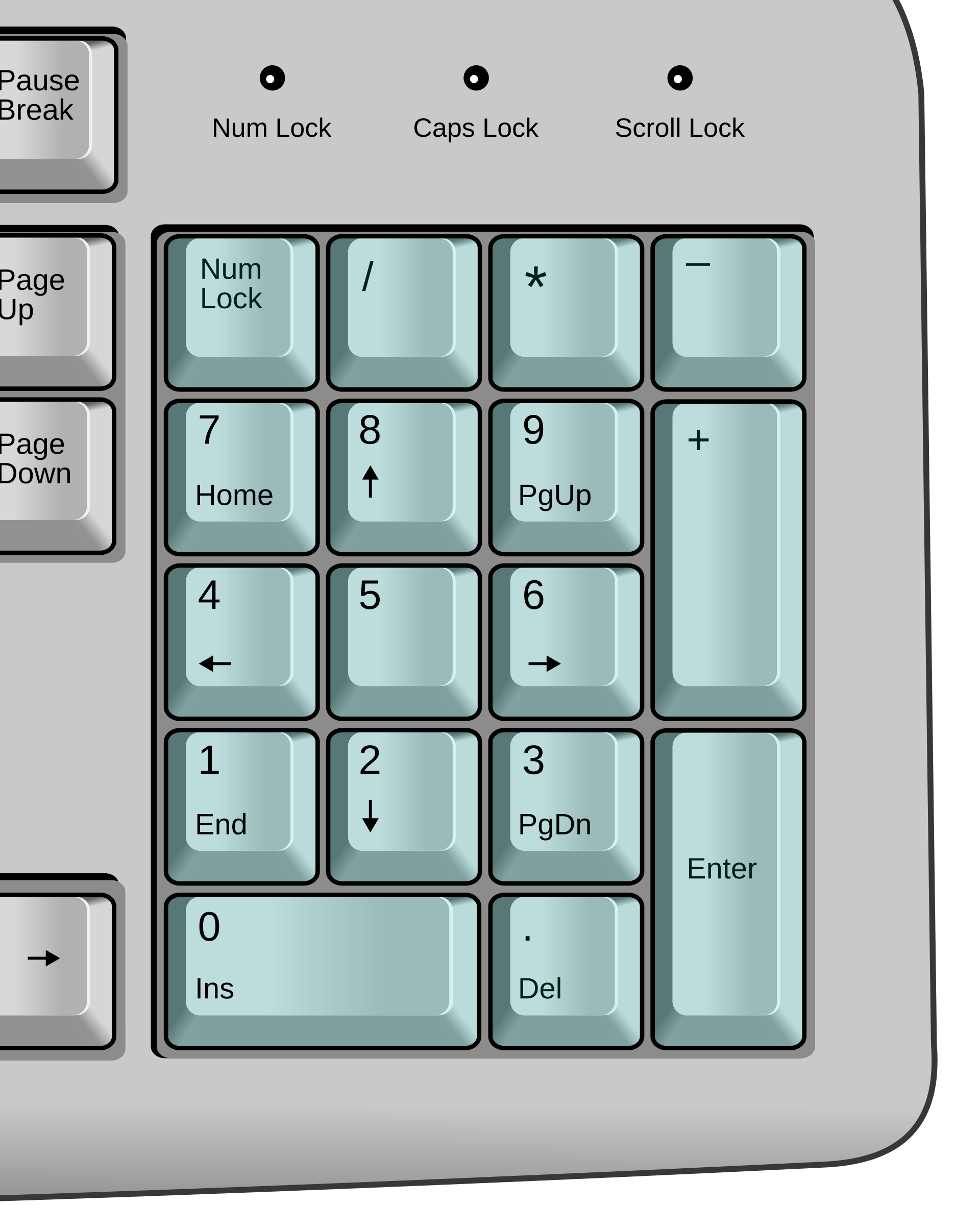
Numbers when Num Lock is on
Use the keypad for quick, comfortable number entry.
 NumLockLED
NumLockLED is a Mac app that brings your keyboard's Num Lock key back to life. Press Num Lock to switch between numbers and familiar navigation. The light on your keyboard follows along, so you always know which mode you're in.
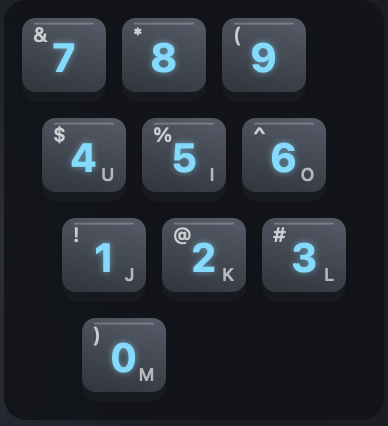
Don't have a number pad on your keyboard? Press Shift+F5 to turn a small letter-key area into a number pad for quick number input.
You can also easily swap Control and Command, and make Home and End jump to the beginning and end of a line for a seamless cross-platform experience.
Version 1.0.1 · macOS 13 Ventura and later · Apple silicon and Intel
The simple fix
With NumLockLED, your keyboard no longer feels broken. It's so satisfying to see everything works properly.
Use the keypad for quick, comfortable number entry.
Use the same keys for Home, arrows, Page Up, End, Insert, and Delete.
NumLockLED only helps with the number pad and leaves the rest of your keyboard setup alone.
What about Scroll Lock?
Press the Scroll Lock button to toggle its LED. Though it may be ceremonial, your favorite keyboard must feel perfect on a Mac.
Works with external keyboards
Works with many external USB and Bluetooth keyboards with a number pad. If a keyboard is not a good match, NumLockLED simply leaves it alone.
Simple licensing
Buy NumLockLED once and use it on up to five Macs. Each Mac can use multiple compatible external keyboards. There is no subscription or recurring charge.
Start with the full 7-day trial, then activate when you are ready.
Ready in under a minute
Choose the installer for your Mac and follow the setup steps. macOS may ask for Input Monitoring and Accessibility while you get started. NumLockLED then runs quietly in your menu bar.
Choose the Apple silicon or Intel installerSupport
Need help with installation, activation, or keyboard compatibility? Email service@gt4t.ai.
macOS may ask for two permissions. Input Monitoring is needed to fix Num Lock on supported number pads. Accessibility is needed for Embedded Numpad, and for Home/End to jump to the start or end of a line.
No. NumLockLED only helps with the number pad on the keyboards it supports and leaves the rest of your setup alone.
Your keyboard returns to the way it was before NumLockLED was running.
We only keep the email you use to buy and activate NumLockLED, and only for licensing. We do not collect keystrokes. The app stays offline except when you purchase, activate, or renew a license.